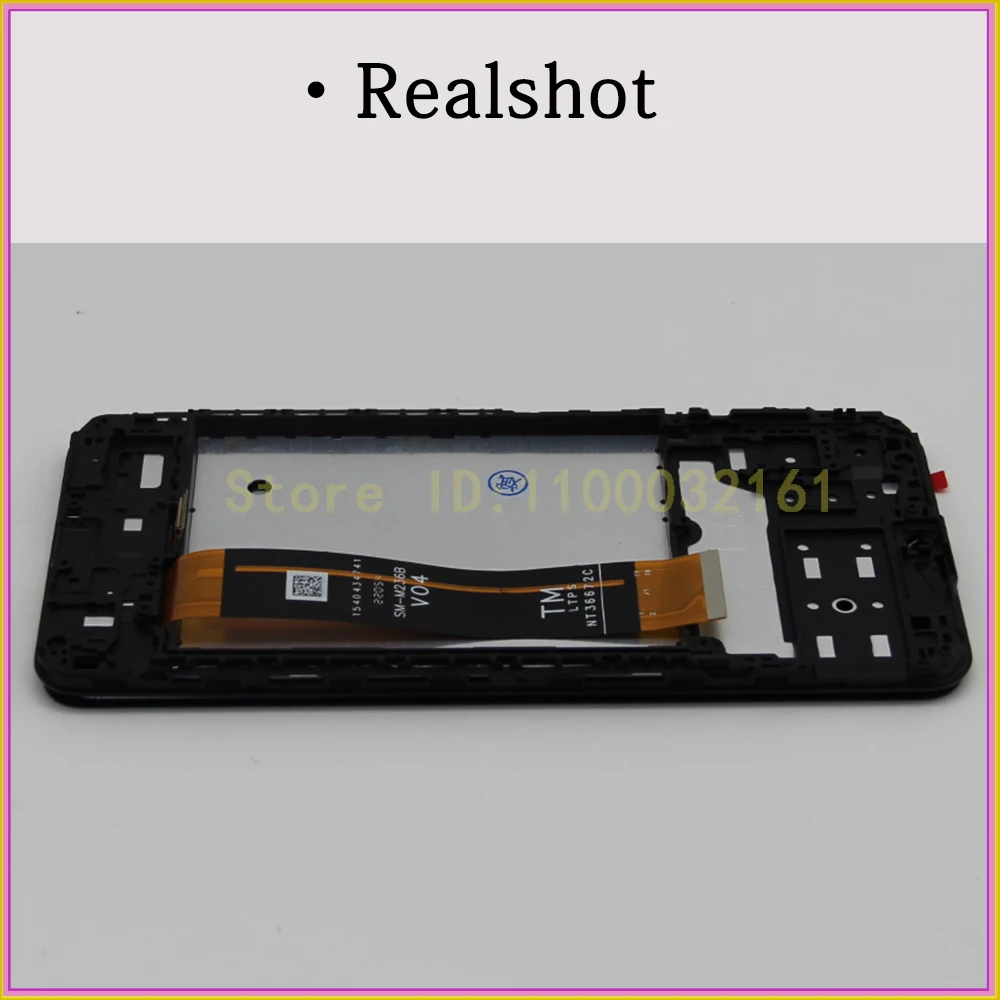
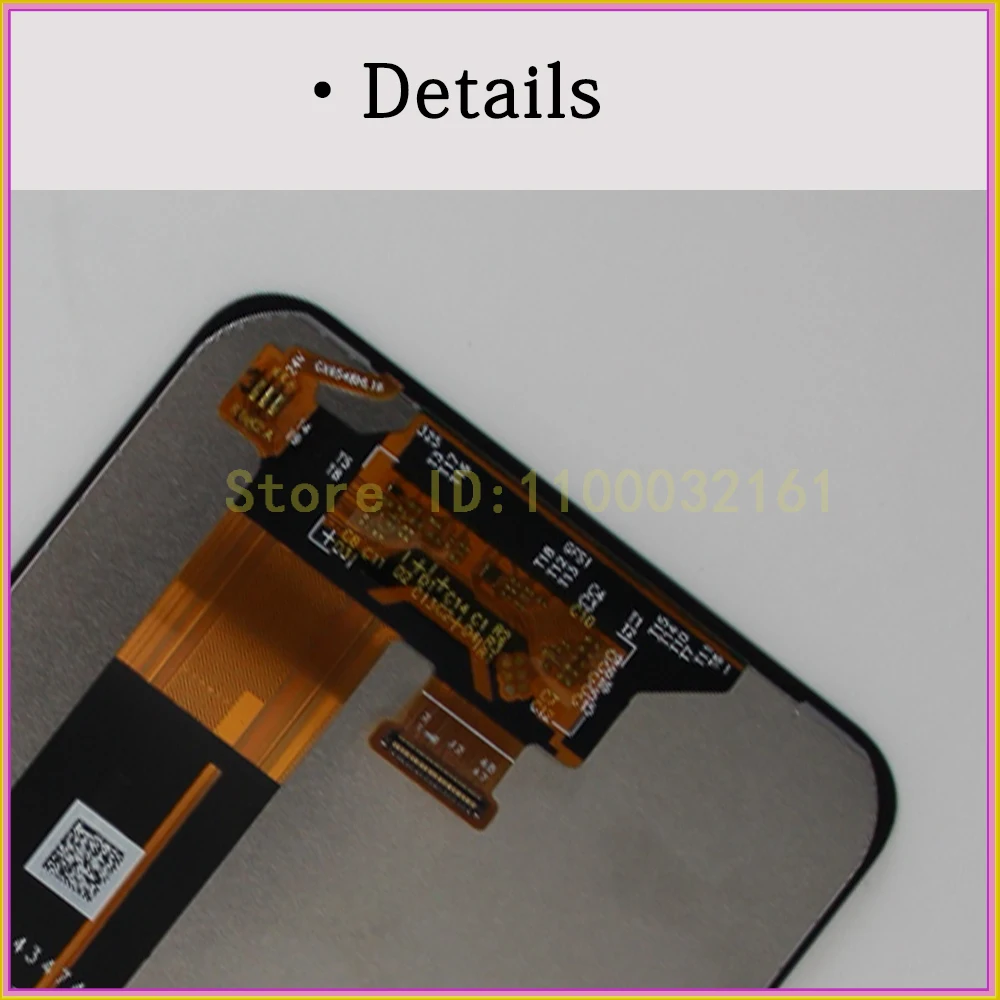
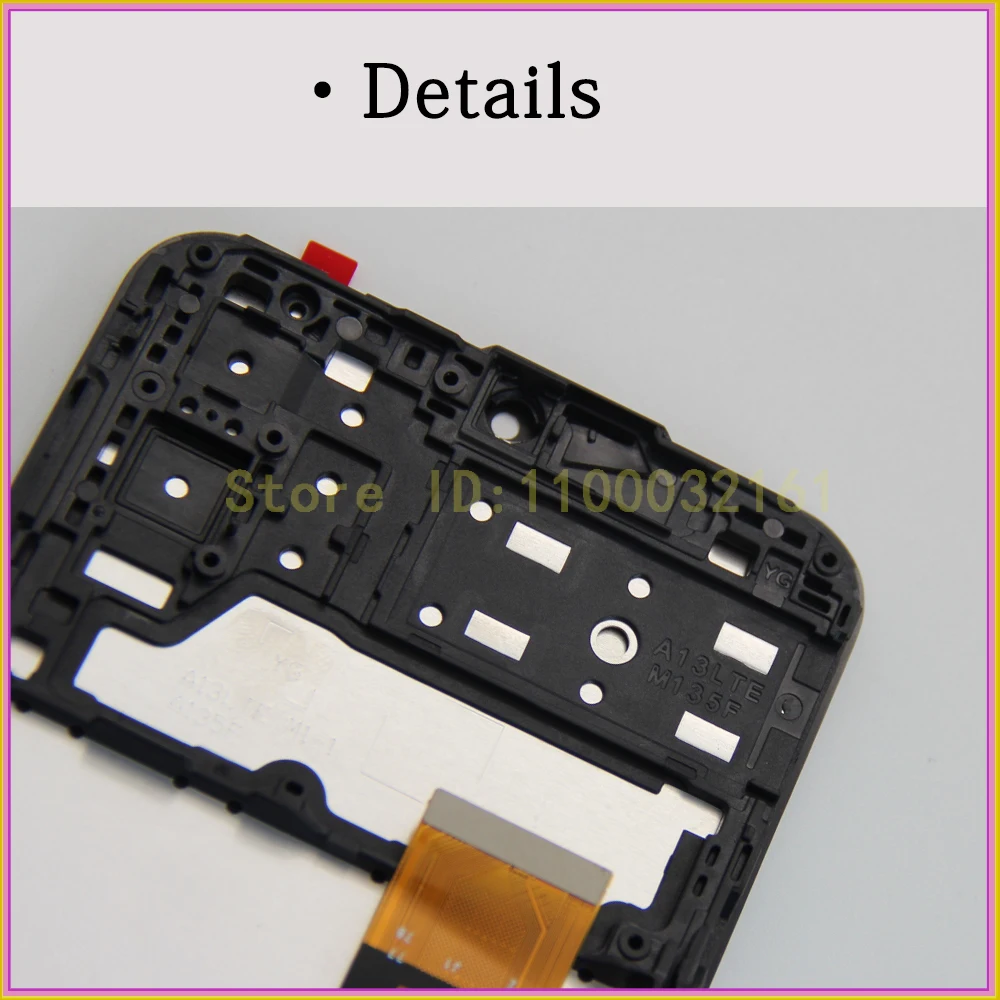
6.6" For Samsung Galaxy A13 LCD Display A135F Touch Screen Digitizer For Samsung
SPECIFICATIONS
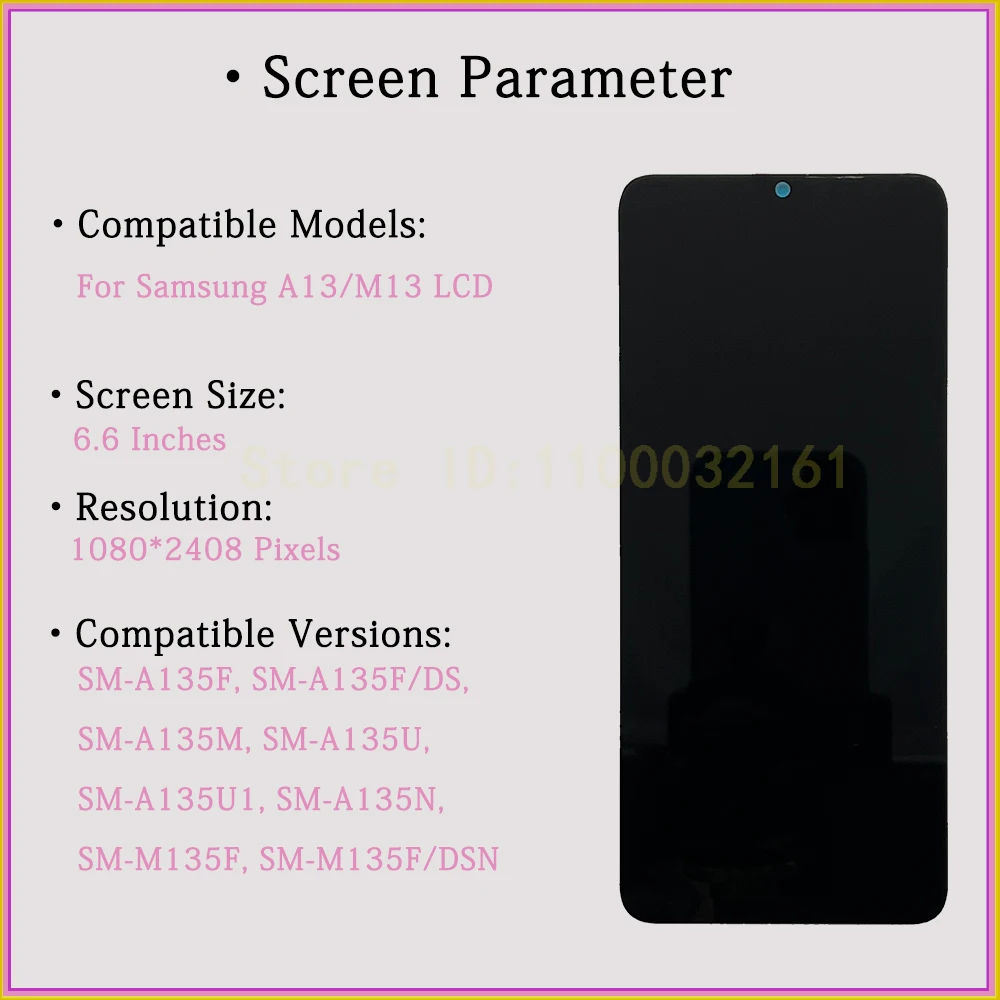
Size:: 6.6 Inches
Color:: Black
Resolution: 1080 * 2408 Pixels
Model Number:: For Samsung Galaxy A13 A135F LCD Display
Compatible Models: SM-A135F, SM-A135F/DS, SM-A135M, SM-A135U, SM-A135U1, SM-A135N
Quality Control:: 100% test one by one
Products Features:: No lightspot /no scratch/no dead pixels
Warranty: 6 Months Free Repair
Service: 15 Days Reasonless Return
Shipping Method: Aliexpress Standard Shipping/Aliexpress Selection Shipping/DHL/FedEx and so on.
Shipping Time: Within 24 Hours After Payment Confirm
Use for: Broken LCD Screen Replacement
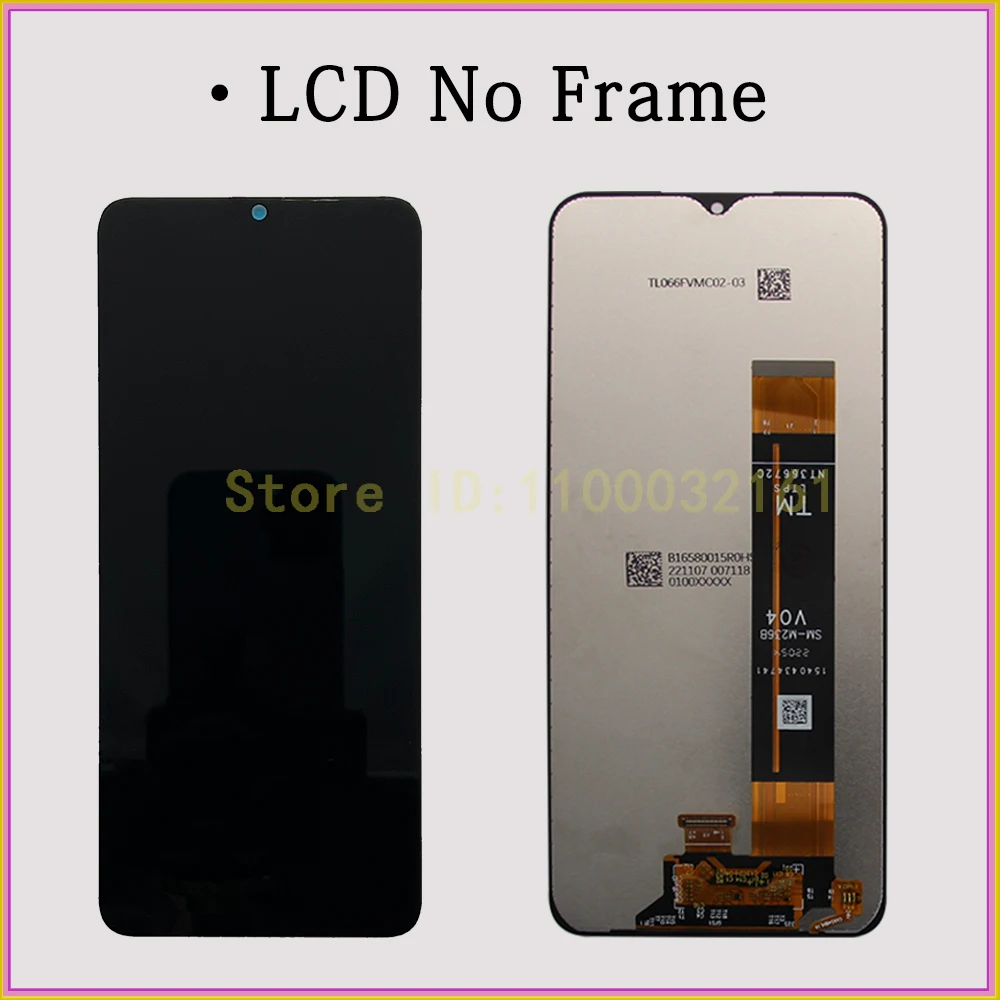
Option 1: LCD No Frame For Samsung Galaxy A13 Screen
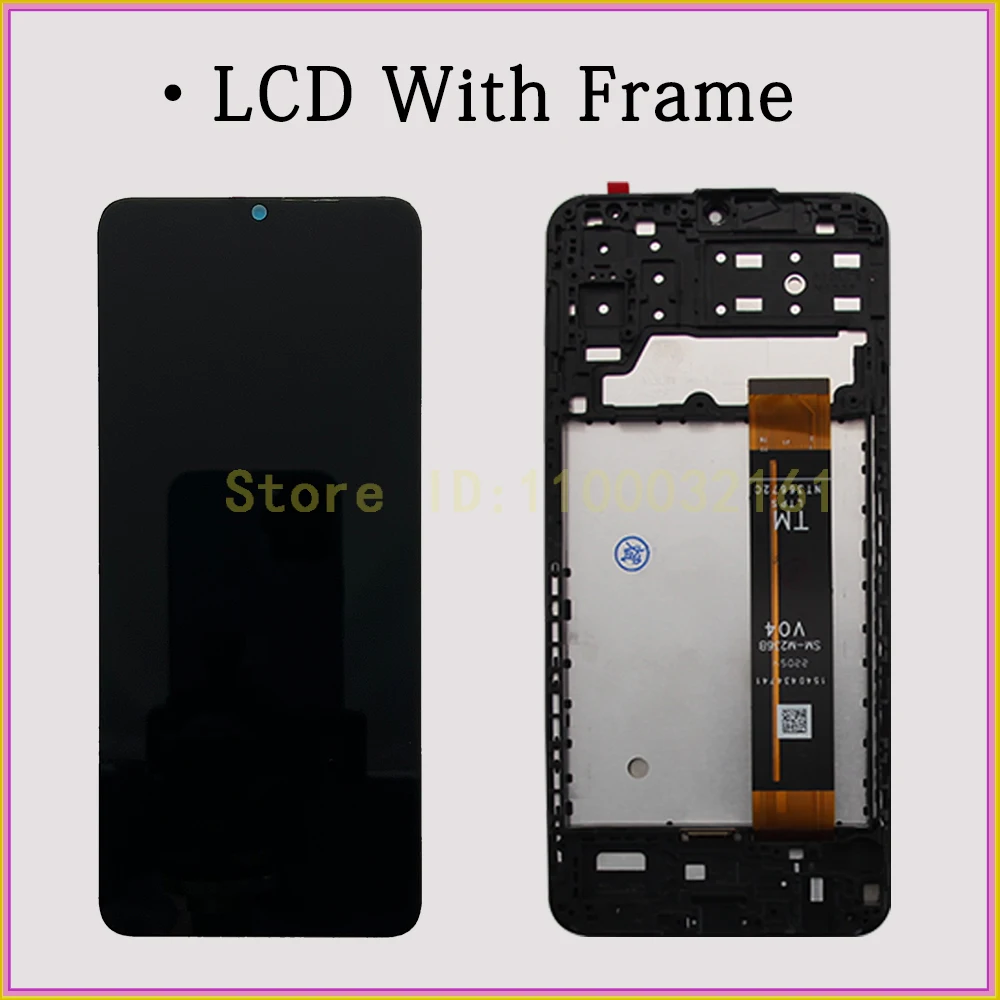
Option 2: LCD With Frame For Samsung Galaxy A13 Screen
Brand Name: AUMOOK
Model Number: For Samsung Galaxy A13 A135F LCD Display
LCD Kit: Yes
Hign-concerned Chemical: none
Screen: > 3"
Material: IPS
Touch Screen Type: Capacitive Screen
Origin: Mainland China
Compatible Brand: Samsung
Certification: CE
Certification: RoHS
Type: LCD & Touch Screen Digitizer
Choice: yes
semi_Choice: yes
6.6" For Samsung Galaxy A13 LCD Display A135F Touch Screen Digitizer For Samsung A13 Screen Assembly SM-A135U SM-A135M LCD
·What you get
1.One piece tested premium quality LCD;
2.Six months warranty and lifetime service;
3.extra discount and surprise coupon for your next order;·Why it has to be us
1.Aumook is a professional and experienced LCD supplier with more than 10 years of experience;
2.We have multiple repair stores and partners in the Middle East, Northern Europe, East Africa, North and South America, and Southeast Asia;
3.We have strict testing standards and advanced production technology;
4.We have a professional after-sales team and excellent technical support.·Warranty not include
1.LCD had been installed;
2.Artificially damaged.!!!!!!
When you receive the LCD,Please TEST IT BEFORE INSTALLING.
it's necessary for warranty!!!!!!
LCD is easy broken,please take it careful. For insurance,it is best take to the repair store.
!!!!!!
Please inform the repair store staff that you must test LCD before installing!
!!!!!!
·How to test LCD
Step 1.Turn off your phone and unplug the battery flex;
Step 2.connect your LCD flex and battery flex with your phone;
Step 3.Turn on your phone and then check LCD display and touch.·Display
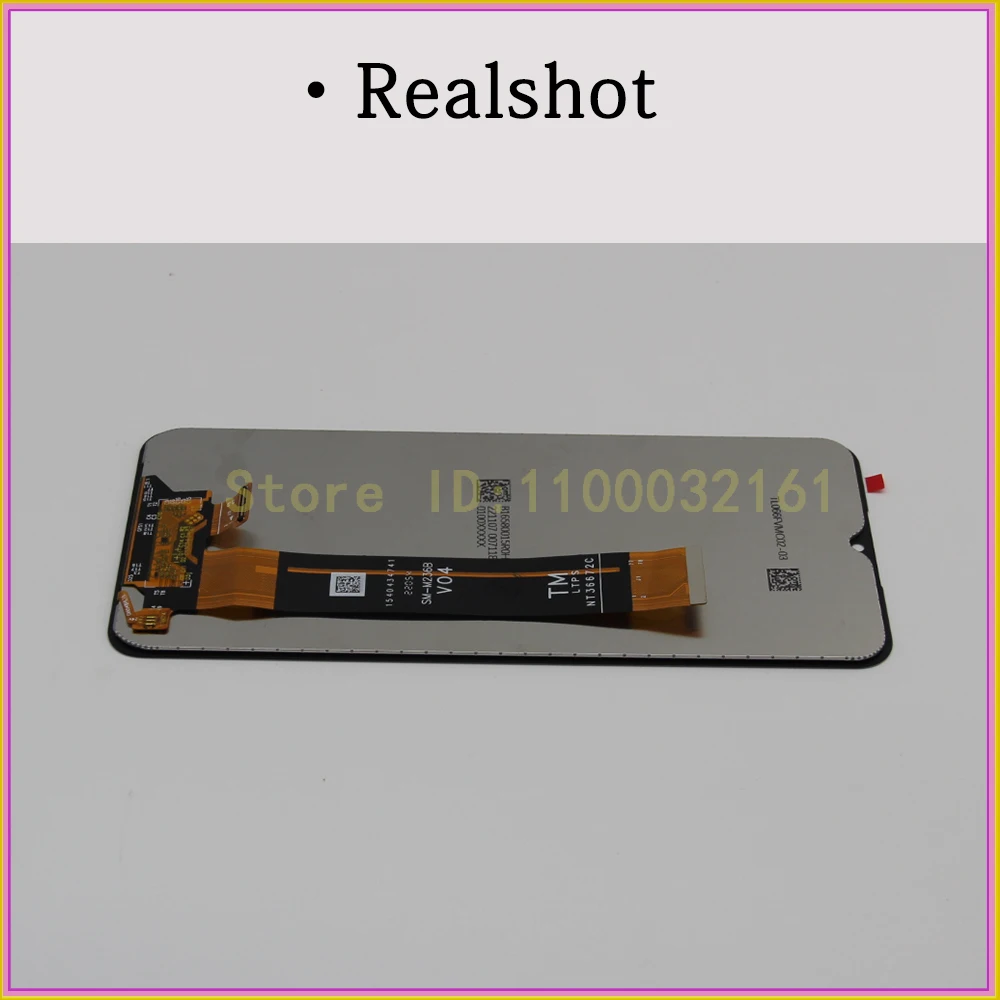
·Realshot
·Details